

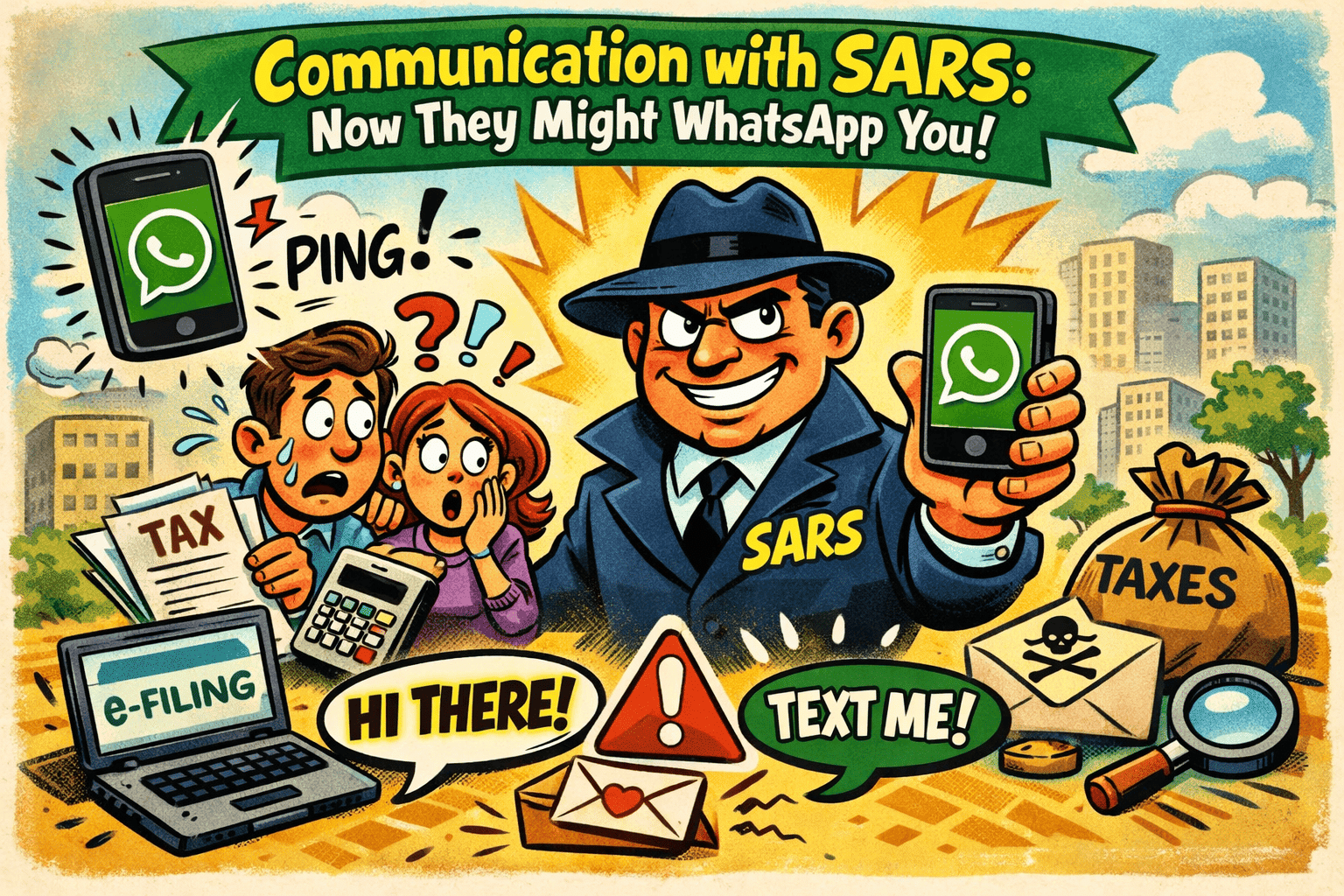
They Might Now Even WhatsApp You!
Let’s be honest… most people would rather receive a message from their mother-in-law than from the taxman. 😅 But things are changing fast when it comes to Communication with SARS, and the latest development might appear directly on your phone screen.
According to recent reports, the South African Revenue Service is expanding its digital tools and has started contacting taxpayers directly through WhatsApp as part of its long-term strategy to modernise services and improve tax compliance.
Yes, you read that correctly. The taxman has entered the WhatsApp chat. 📱
This move forms part of SARS’ broader digital strategy to streamline taxpayer interaction and make services more accessible. At the same time, it also strengthens their ability to pursue outstanding tax debt and engage taxpayers faster than ever before.
With outstanding tax debt in South Africa reportedly reaching hundreds of billions of rand, it’s clear that SARS is getting serious about improving compliance.
But don’t panic just yet, not every WhatsApp message means trouble. Often it may simply be reminders, updates, or service notifications.
🤔 How to communicate with SARS?
Thankfully, there are now several ways to reach SARS without camping outside a branch with a flask of coffee and a stack of paperwork.
You can communicate with SARS through:
📌 eFiling – the primary platform for submitting returns and queries
📌 SARS MobiApp – mobile access to your tax profile
📌 WhatsApp services – automated assistance for certain tax requests
📌 Call centres or branch appointments
Digital services are increasingly becoming the preferred method because they are quicker, easier, and available anytime.
💬 Does SARS have a WhatsApp?
Yes, and it’s official.
SARS launched a WhatsApp service that allows taxpayers to request information such as tax reference numbers, refund status, audit status, and statements of account.
To use it:
1️⃣ Save the SARS WhatsApp number 0800 11 7277
2️⃣ Send a message like “Hi”
3️⃣ Follow the automated menu prompts
It’s designed as a self-service tool to help taxpayers quickly access basic information.
📨 How do I send a query to SARS?
If you need to send a detailed query, the best options are:
✔ Log into SARS eFiling and use the “Request for Correction” or query functions
✔ Submit a request via the SARS MobiApp
✔ Use online service requests or booking systems for assistance
These channels allow you to track progress and ensure your query is properly logged.
⚠️ One Important Warning
Because SARS now uses digital messaging, scammers sometimes try to impersonate the tax authority.
Always verify suspicious messages by logging into your official eFiling profile before clicking any links or sharing personal information.
Remember: ignoring legitimate communication could become costly — the taxman rarely sends messages just to say hello. 😉
Don’t allow your taxes to cause you to lie away at night, just get the right partners on your side, call the Go2 Accountants for the right advise.










Leave A Comment